Developers · Definition
What Are AI-Native Apps?
An AI-native app is one where removing the AI wouldn’t just make it worse, it would leave no product at all, because agents, memory and retrieval are first-class parts of the architecture from day one rather than a feature bolted onto something that already worked without them. That’s a testable bar, not a marketing label.
AI-native
Remove the AI, nothing is left
AI-enabled
Remove the AI, it still works
The core idea
What actually makes an app “AI-native,” specifically for memory?
Memory, retrieval and agent reasoning are designed in as first-class components from the initial architecture, not added afterward, which means the app’s behavior depends on accumulated context the same way a mobile-native app’s layout depends on a touchscreen rather than a mouse. The comparison to “mobile native” is deliberate: a mobile-native app was designed from the ground up for a phone, while a merely mobile-responsive site is a desktop design that resizes. AI-native follows the same logic, applied to memory and reasoning instead of screen size.
In the wild, “AI-native” gets used loosely as a general business-transformation label, real-time data, autonomous decisioning, continuous learning, across almost any enterprise software category. That framing isn’t wrong, but it’s too broad to be useful for a developer trying to decide whether what they’re building actually qualifies. The generative shift is part of why the term became common in the first place: earlier AI-native systems were narrow, optimized for one specific task, while generative models let a single architecture handle many different kinds of requests, which shifted the interface itself from something closer to a control panel toward something closer to a real-time assistant that mediates the whole interaction.
That shift also raises the stakes of the architecture decision. Building genuinely AI-native software carries real, non-linear costs: gathering and structuring the data a memory system depends on is itself a substantial undertaking, and orchestrating models, tools and agents reliably is harder than wiring up a single API call. Those costs are exactly why the litmus test matters, since a team that hasn’t actually committed to carrying them has usually built something AI-enabled, whatever the marketing copy claims. The sharper, testable version of the definition is worth stating precisely. What’s the actual test for whether an app qualifies?
A testable bar
What’s the actual test for whether an app qualifies?
Remove the AI. If the product still functions, just worse, it was AI-enabled. If removing the AI leaves nothing useful at all, it was AI-native. This single test cuts through most of the marketing ambiguity around the term.
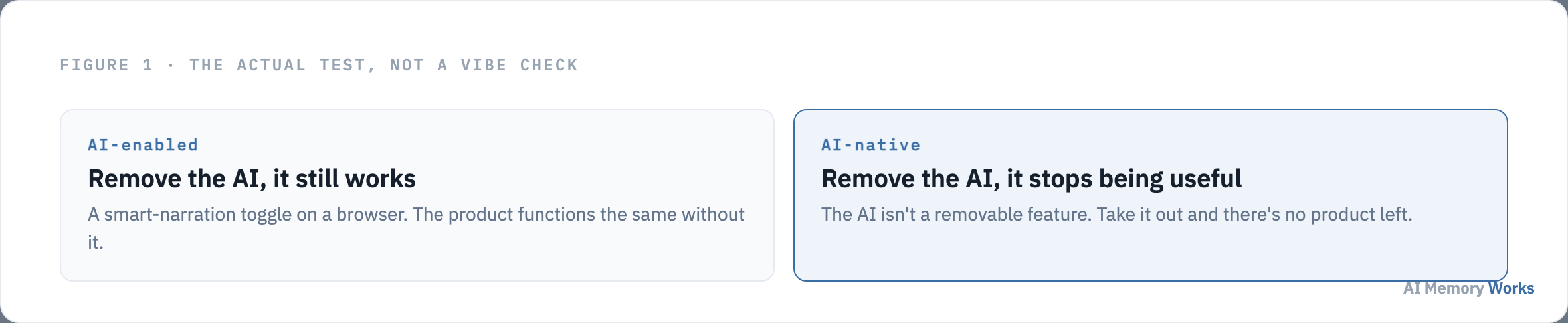
A web browser with a smart-narration accessibility toggle is AI-enabled: turn the feature off, and the browser still browses. This distinction matters because it separates genuine architectural commitment from a checkbox feature added to an existing product for a press release. An AI-native product cannot be reduced to “software plus an AI feature,” because the AI isn’t sitting beside the core functionality, it is the core functionality.
The test also explains why users often interact with AI-native products through natural language rather than a traditional menu of buttons and forms: automation and reasoning are intrinsic to how the product works at all, not an auxiliary shortcut layered on top of a conventional interface someone could still use if the AI were switched off. Underneath that natural-language surface sits an orchestration layer coordinating models, tools, APIs and external services, which is the actual architecture the litmus test is checking for, not the surface-level chat window a screenshot would show.
A definition is only useful if it’s checkable against something real. Two products that clearly pass this test make the abstraction concrete. What do real AI-native apps look like?
Concrete cases
What do real AI-native apps look like?
Perplexity’s Comet browser and IBM’s own Bob IDE, 2 real, publicly documented products, both pass the removal test directly: take the AI out of either, and there’s no product left, only an empty shell.
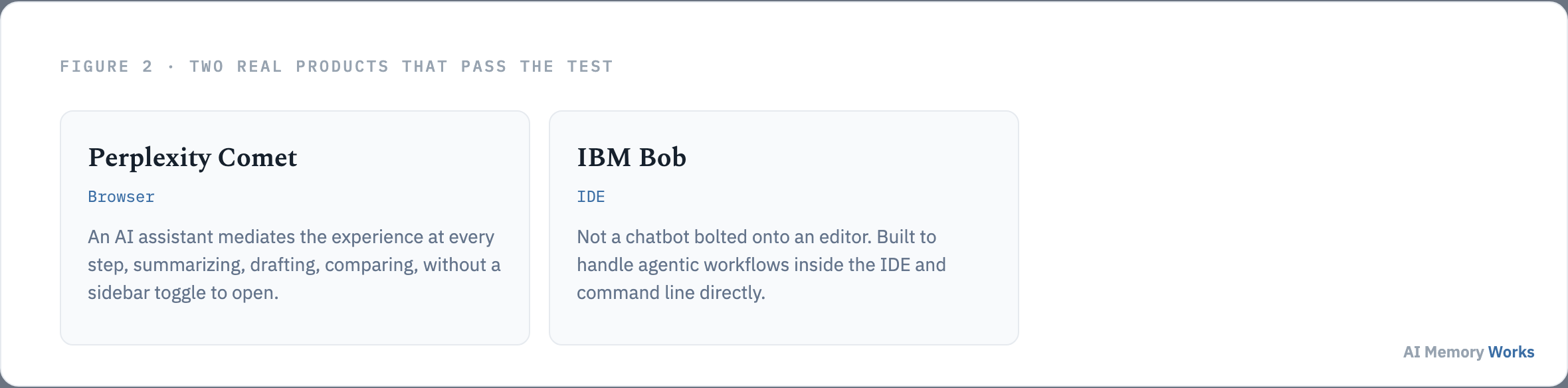
Comet mediates the browsing experience at every step, summarizing content, drafting responses, comparing results, without requiring a sidebar toggle to opt into the AI layer; the AI isn’t a panel you open, it’s the interface itself. Bob is built to operate inside the IDE and command line directly, handling agentic workflows rather than offering code completions from a chatbot pane stapled onto a conventional editor. Neither product degrades gracefully into a normal browser or a normal IDE if the AI layer is removed, because neither was designed with a non-AI fallback mode in the first place. A broader set of examples across categories, assistants, coding tools, research agents, is covered on AI-native app examples.
Both examples share something the litmus test alone doesn’t make explicit: what actually does the ongoing work of making these products behave like something that’s learned from prior use, rather than resetting every session. Why is memory the load-bearing part of “AI-native,” not a feature of it?
The mechanism
Why is memory the load-bearing part of “AI-native,” not a feature of it?
Because reasoning alone only explains a single response; memory is what explains why the tenth interaction with an AI-native app is better than the first. A model without memory answers each prompt in isolation, no matter how capable it is. The improvement over time that’s characteristic of AI-native products comes specifically from what gets retained and retrieved across interactions, not from the model getting smarter between calls.
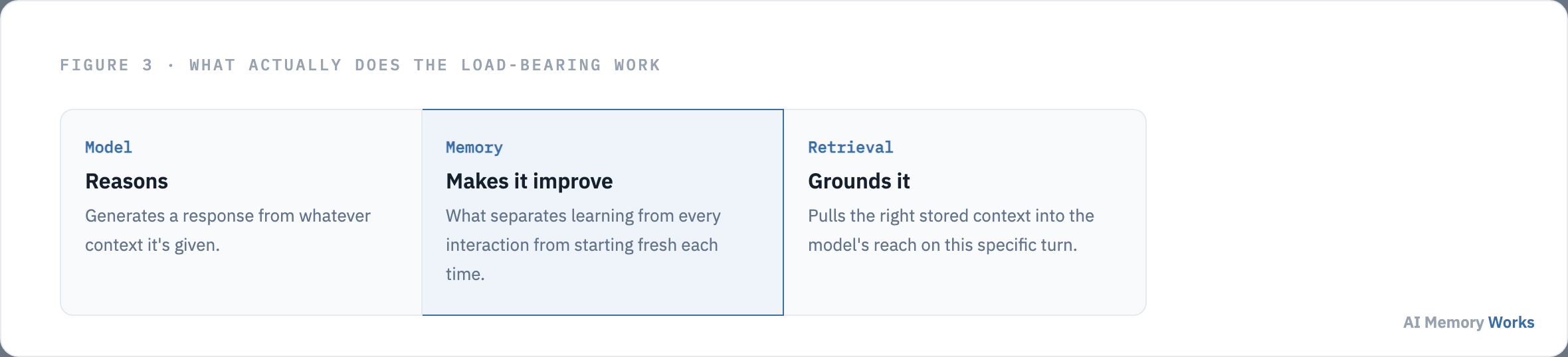
This is why the architecture question and the memory question are really one question for an AI-native product: deciding to build AI-native means committing to designing what gets remembered, how it’s retrieved, and when it should be forgotten, as core parts of the system from the start, not as an add-on once the base product already works. A team that builds the interface and reasoning loop first and plans to “add memory later” hasn’t actually committed to an AI-native architecture yet, whatever the product looks like on the surface, since retrofitting memory into an architecture that wasn’t designed to carry it tends to produce exactly the bolted-on feel the AI-native distinction exists to rule out.
The advantage this actually buys, when done deliberately, is difficult for a competitor to copy quickly: intelligence accumulated in a memory system through real usage over time isn’t a feature that can be cloned by shipping the same UI. A competitor can copy the interface in a weekend; they can’t copy months of accumulated, correctly-scoped user context, which is exactly why memory-first architecture compounds into a real advantage rather than a one-time capability checkbox.
Understanding why memory is load-bearing rather than optional makes the comparison to AI-enabled software sharper still. How is this different from “AI-enabled”?
The comparison
How is this different from “AI-enabled”?
AI-enabled software adds AI as a feature to an architecture that was designed first and works fine without it. AI-native software designs the architecture around agents, memory and retrieval from the initial decision, with everything else built to serve that core.
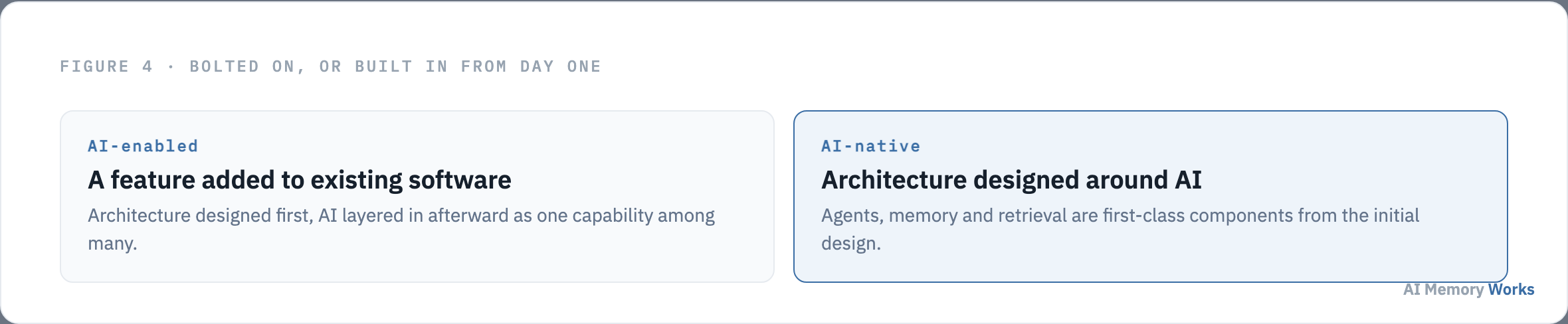
This isn’t a judgment that AI-enabled software is inferior; a genuinely mature product with a well-defined core function often has no reason to rearchitect around AI just because the option exists, and adding a well-scoped AI feature to solid existing software is frequently the right call. What the distinction is actually useful for is expectation-setting: a team calling something AI-native while building it as a bolted-on layer over an existing architecture is setting themselves up for exactly the friction the term is supposed to signal an escape from.
The practical difference shows up earliest in how a team actually builds. AI-enabled work usually starts from the existing product’s data model and adds an AI feature that reads from or writes into it, with the AI layer treated as one more service among the others already running. AI-native work reverses the order: the memory and retrieval layer gets designed first, since it’s what the rest of the interaction loop depends on, and the traditional application logic gets built to serve that core rather than the other way around. Neither order is wrong in the abstract; the failure mode is starting one way and describing it as the other, which is where most of the “AI-native” marketing friction this term attracts actually comes from. A fuller comparison of what changes concretely between the two approaches, in data flow, in team structure, in what breaks first at scale, is covered on AI-enabled versus AI-native apps.
With the definition, the test, and the comparison all in place, the practical question is how to check your own project against them. How do you tell if what you’re building actually qualifies?
Checking your own project
How do you tell if what you’re building actually qualifies?
Ask what’s left if you strip the AI out. If the answer is a working product with one fewer feature, it’s AI-enabled. If the answer is nothing, or something that no longer serves its purpose, it’s AI-native, and memory design deserves to be treated as a first-class architectural decision from the start rather than deferred.
A useful gut check beyond the removal test, worth running in under 30 seconds: describe the product to someone without mentioning the word “AI” at all. If the description still makes sense, “a tool that lets you search your files and organize them into folders,” the AI is probably a feature layered on something that already had a job. If the description falls apart without it, “a tool that reads what you’re working on and drafts the next step before you ask,” the product’s actual job only exists because of the AI, which is the AI-native signal in practice.
Teams that answer that question honestly and land on AI-native still face a real build decision: whether to design and operate the memory layer, extraction, retrieval, forgetting, entirely in-house, or adopt a managed pipeline that handles it as a service. Engram is one option worth evaluating for teams that want the AI-native commitment without building the memory infrastructure from first principles. Either way, the technology choices behind that commitment, which stores, which retrieval methods, which orchestration layer, are covered on the AI-native app tech stack.
FAQ
Frequently asked questions
The practical decisions that follow once the definition above is understood.
Can a product be AI-native without using generative AI?
In principle yes, but the term became common specifically because generative models let a single architecture handle many kinds of requests, collapsing multiple narrow pipelines into one system. Pre-generative AI-native systems existed but were typically optimized for one specific task.
Does adding a chatbot to an existing app make it AI-native?
No. That's the textbook AI-enabled case: the chatbot is a feature layered onto a product that already worked without it. AI-native means the architecture itself, memory, retrieval and agent reasoning, was the starting point.
Is AI-native the same thing as agentic?
Related but not identical. Agentic describes an app where an AI takes autonomous multi-step action. AI-native is broader: it describes whether memory, retrieval and reasoning are foundational to the architecture, which an agentic app usually requires but a non-agentic AI-native app can also have.
Why is AI-native software more expensive to build than AI-enabled software?
Because the costs are structural, not incremental. Gathering and structuring data for a memory system, and reliably orchestrating models, tools and agents, is a bigger undertaking than adding one API call to an existing product.
Should an early-stage startup always build AI-native from day one?
Not automatically. If the core product delivers value without AI at its center, AI-enabled is often faster to ship and validate. AI-native is the right call when the product's actual value proposition doesn't exist without accumulated memory and reasoning.
What's the first architectural decision in building an AI-native app?
Designing what gets remembered, how it's retrieved, and when it should be forgotten, before building the surrounding application logic. Treating memory as something to add later is itself a sign the product isn't actually being built AI-native.